Compose the offer from the candidate's profile and email it out. The candidate accepts or rejects with one click. The response lands back on the profile and the pipeline stage moves on its own.
Compose the offer on the profile, send it by email.
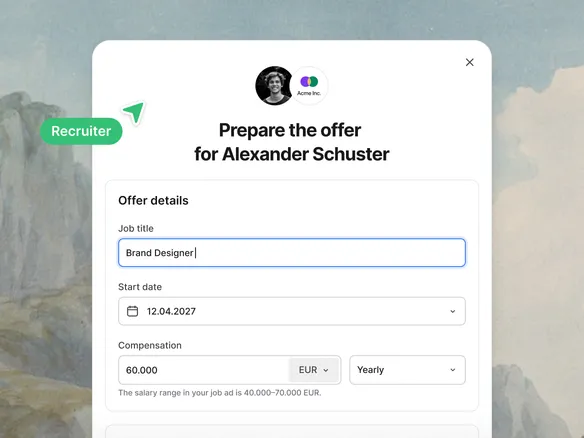
Write the offer in Join from the candidate's profile: salary, start date, the role's headline terms. Hit send. Join delivers it as an email with a clear accept-or-reject button, branded to your workspace. No PDF attachments, no DocuSign side-trip, no chasing replies in your inbox.
Write salary, start date, and headline terms directly in Join
Delivered as a branded email with clear accept/reject buttons
No PDF attachments, no DocuSign side-trip
02
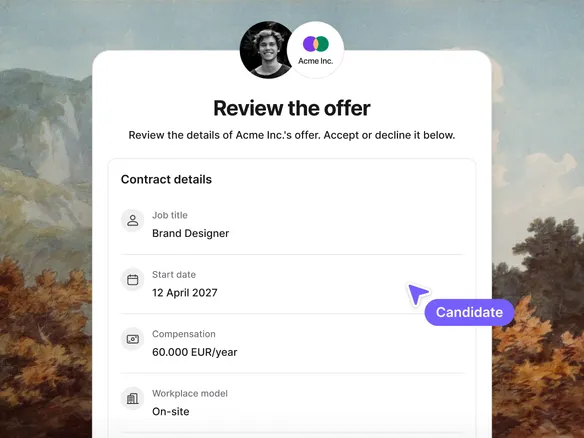
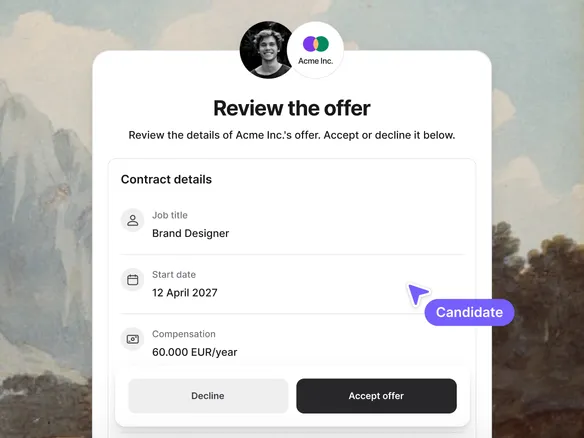
Accept or reject in one click. Response lands on the profile.
The candidate sees the offer in their inbox with two clear buttons. Accept and the candidate moves to 'offer accepted' on the pipeline. Reject and the candidate moves to 'offer declined'. Either way, the response is logged with timestamp on the candidate profile, no recruiter manual update needed.
Candidate responds from their inbox, no login required
Pipeline stage updates automatically on response
Response logged with timestamp — no manual recruiter update
03
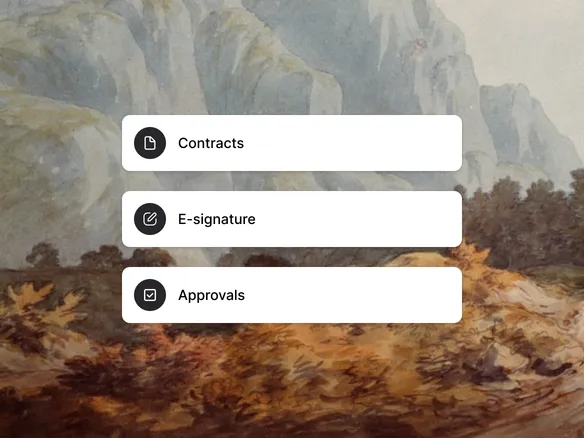
On the roadmap: contracts, e-signature, approvals.
Today's offer feature is intentionally simple: a clean email-based propose-and-respond loop. Full contract templates, e-signature, multi-step approval routing, and HRIS handoff aren't shipped yet; they're on the roadmap. If those matter to you now, the Integrations feature (Zapier, Make, public API) lets you wire Join into your existing contract tool while we build the native version.
Full contract templates and e-signature coming soon
Multi-step approval routing and HRIS handoff on the roadmap
Wire your existing contract tool via Zapier or the API today