A browser extension that saves LinkedIn candidate profiles straight into your Join pipeline or talent pool. One click, no copy-paste. Works in Chrome, Edge, Brave, and other Chromium browsers.
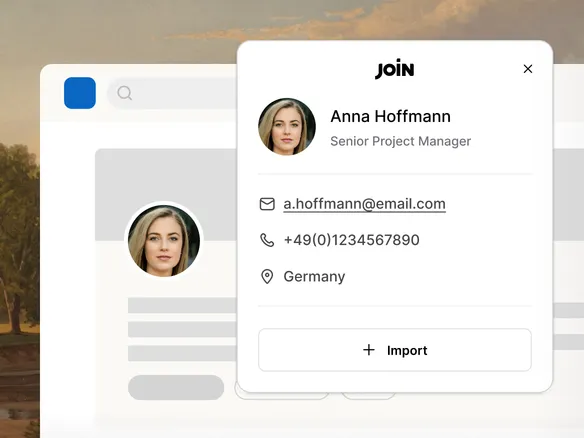
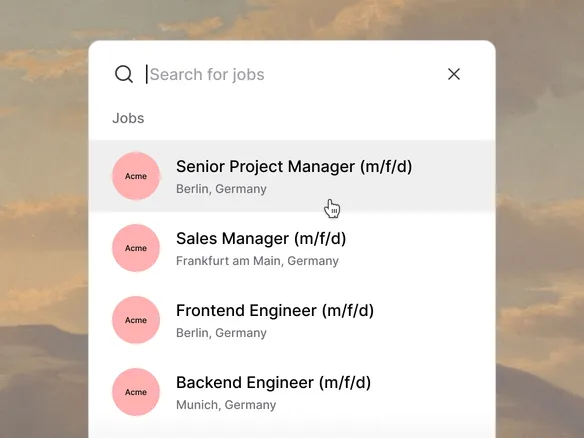
Browse LinkedIn as usual. Click the Join icon on any profile and the candidate lands where you want it: pick a specific role's pipeline, or save to the talent pool for later. Name, title, location, work history, and public contact details captured automatically from the profile.
Browse LinkedIn as usual — click the Join icon to save
Name, title, location, and work history captured automatically
Route straight to a role's pipeline or to the talent pool
02
Build your own talent network, not theirs.
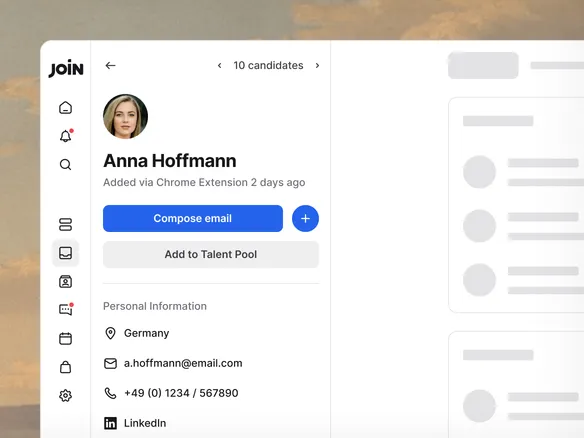
Every saved profile lives in your private talent pool, not on a third-party platform. Tag, note, and re-engage candidates for future roles. No re-sourcing from scratch when the next opening lands.
Saved profiles live in your private talent pool
Tag, note, and re-engage candidates for future roles
No re-sourcing from scratch when the next opening lands